
Document quality control with artificial intelligence — in Word, aligned with your standards.
It detects gaps and inconsistencies, compares against procedures, and suggests edits. You approve the final version.

Why quality control slows work down
Three barriers to documentation quality and pace
Inconsistencies, gaps, and scattered sources of truth (procedures, templates, notes) create extra revision rounds and delay approvals.
Too much time on manual corrections
Manual consistency and compliance checks in long documents take hours and extend approval cycles.
Errors that are hard to catch
Inconsistent data, missing elements, or version drift are easy to miss and costly during audits and implementation.
Scattered requirements and confidentiality risks
General-purpose tools often require copying confidential data. Email threads and checklists make it easy to lose context, versions, and requirements.
Quality control and ready corrections directly in Word
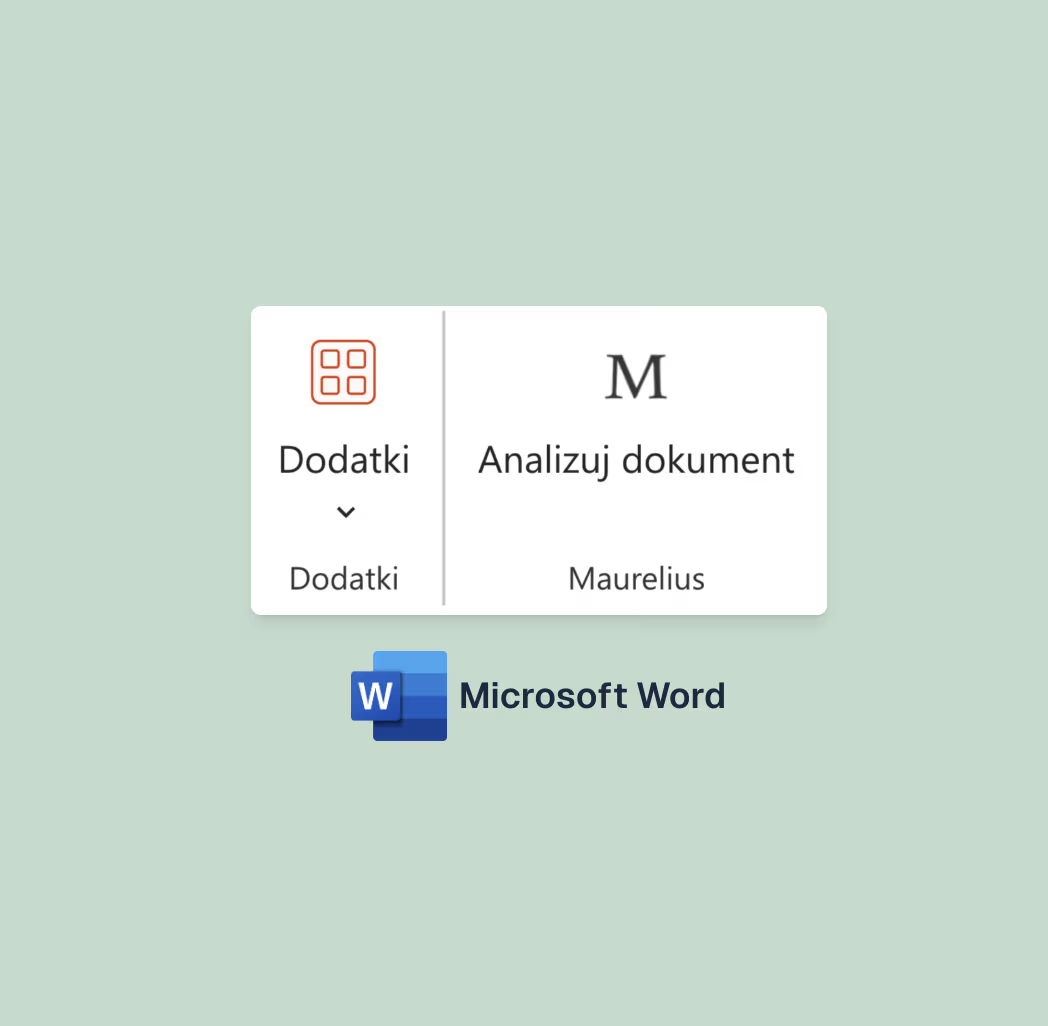
AI plugin for Word: detects issues, shows evidence in text, and suggests edits as comments or Track Changes.
 01
01Run quality control without leaving the document
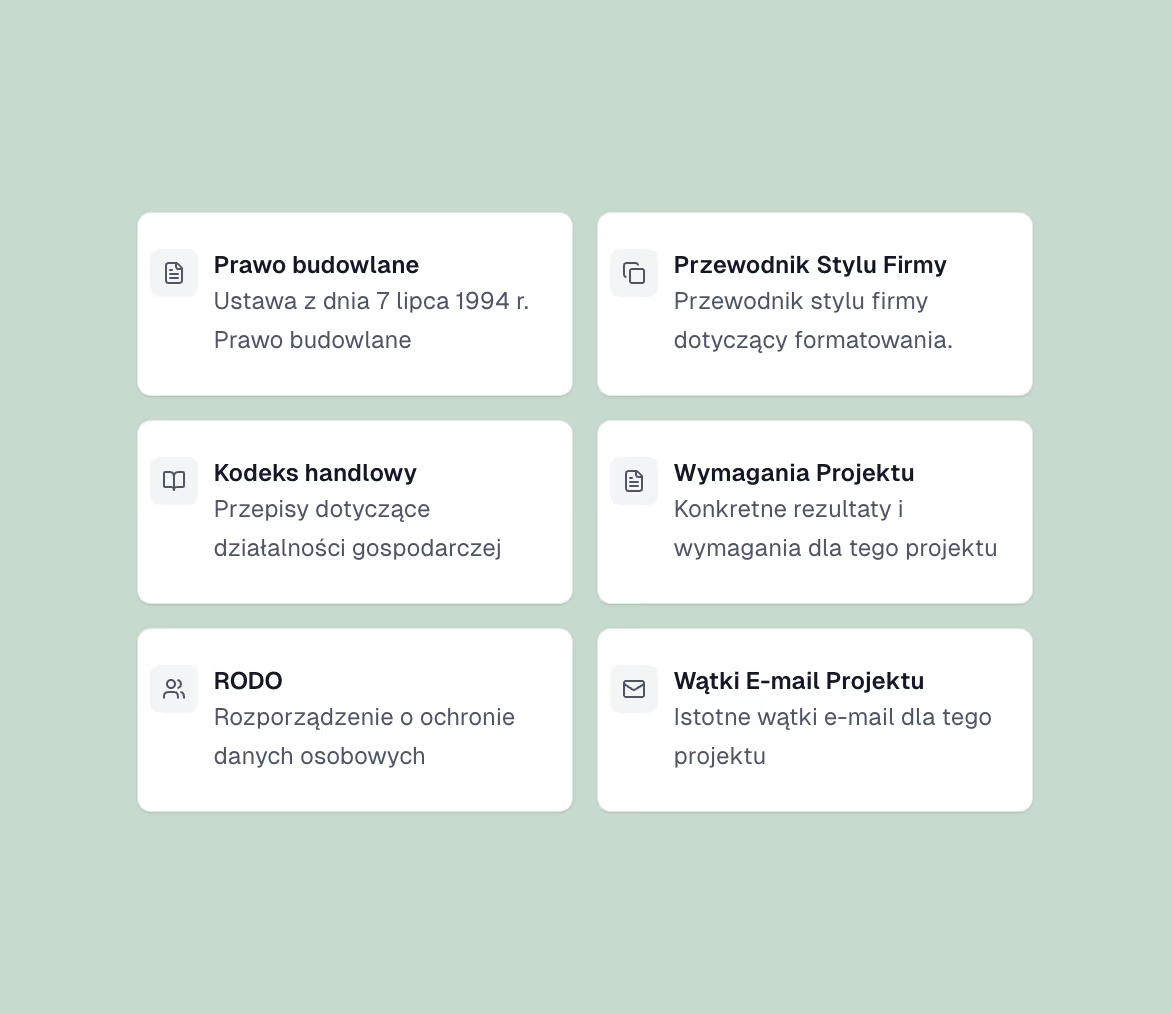
Open your document, add procedures/templates, and run quality control. The assistant checks it against your team standard.
Consistency: definitions, values, dates, references, attachments, numbering.
Formal gaps: empty fields and overlooked elements.
Analysis includes your standards and process requirements
You get a list of issues and suggested fixes aligned with procedures and process requirements.
Required / forbidden elements and preferred variants.
Classification: OK / needs changes / requires owner decision.
Custom checklists and style rules (terminology, units, date and amount formats).
 02
02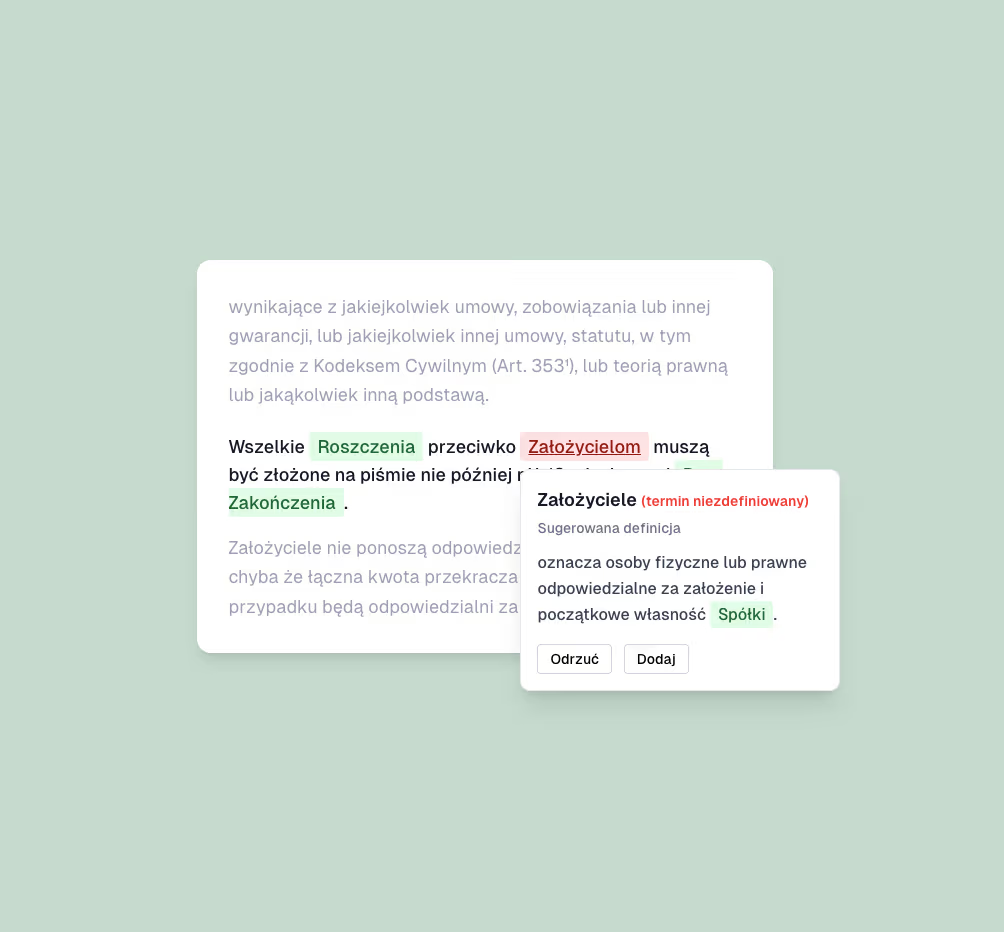 03
03Review results with evidence in text
Each issue includes category, severity, quote, recommendation, and an edit suggestion.
Results in Word panel, anchored to text fragment.
Insert as comment or change in Track Changes mode.
Summary in a layout aligned with your standards.
Intelligent analyses and ready paths
Tailored to document types and to your procedures and work style. Each path contains a checklist and dedicated analysis rules.
COMPREHENSIVE QUALITY CONTROL
Consistency, procedures, and process requirements
Document consistency and completeness
Detection of gaps and discrepancies: definitions, references, values, dates, attachments, term conflicts.
Alignment with procedures and standards
Comparison of the document with procedures, templates, and process requirements (mandatory elements, forbidden items, preferred variants).
Definition and term usage consequence control
Automatic detection of inconsistencies in terminology and definitions throughout the document.
Value and unit control
Checks consistency of numeric values, units, and tolerances throughout the document.
Structure and references
Checking references, section order, and completeness of attachments and required elements.
LEARNING LOOP
An assistant that learns your standard
Maurelius learns from your decisions. Over time, suggestions align more closely with your procedures, style, and document context.
Feedback is a signal
You accept or reject suggestions. Every decision strengthens your standard: definitions, style, section context, and attachments.
Team standard embedded
Maurelius remembers process rules: templates and checklists, required and forbidden elements, style, and terminology.
Suggestions ready to use
Recommendations arrive aligned with your rules — fewer rework cycles, more consistent documents, faster approvals.
Artificial intelligence in document analysis
Quality control (QA)
: Checks document consistency and completeness, including definitions, values, dates, references, and attachments.Semantic analysis
: Detects ambiguities, contradictions, and logical inconsistencies in content.Edits aligned with your standards
: Compares the document with procedures and templates and prepares specific edits directly in Word.Quality and compliance risks
: Highlights sections requiring record owner decisions and potential consequences of nonconformities.Circulation summary
: Prepares a concise summary of changes and open issues, ready for review, approval, or audit.Fewer rounds, fewer reworks, lower cost.
Automated quality control shortens document preparation and reduces errors that later cost time and stress during review, approval, and audits.

3x
Faster approvals thanks to consistent standards
2x
Less version back-and-forth thanks to clear suggestions
Privacy and security
Deployment in your company's cloud
A dedicated deployment in your organization's cloud infrastructure is possible when required by security policies, compliance, or internal IT standards.
No data storage
In accordance with GDPR we follow a strict zero-data-retention policy. Your documents are not stored or used to train AI models.
Top-level protection
Data encryption and secure authentication through Microsoft 365. Architecture prepared for ISO 27001 and SOC 2 standards.
Full EU residency
Data processed only on certified servers in Europe, with no transfers outside the EU. Full GDPR compliance.
Proven technologies, trusted protection
We use industry-leading solutions to ensure the highest level of security and reliability.



Frequently asked questions
Have doubts? Talk to us. Talk to us.
Implementation and customization
Security and compliance
AI in quality and documentation blog
Practical articles on document quality control, QMS/SOP, security, and AI implementation for quality teams.

ChatGPT for Document Work: When a Dedicated AI System Delivers Better Results
ChatGPT can help with text, but it does not know your procedures, templates, or internal standards. See when it makes sense to move from a chat tool to a dedicated AI system in Word.
Read more